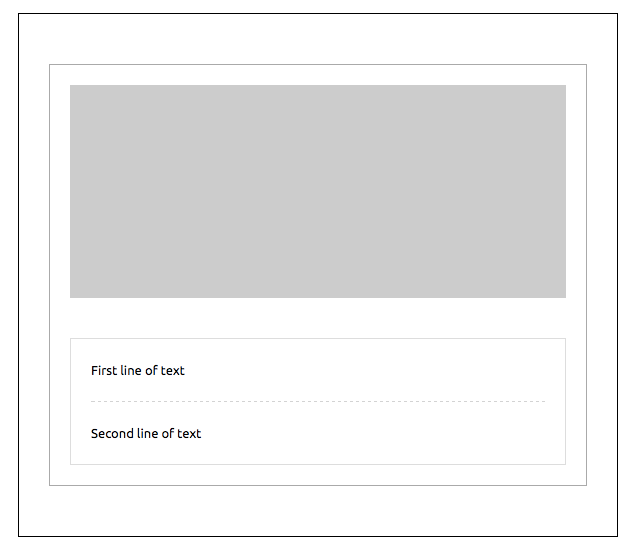
Wrapper enables to wrap multiple sections together. It's especially useful to achieve nested layouts with shared border or background images across sections.
```xml
First line of text Second line of text
```
The `full-width` property will be used to manage the background width.
By default, it will be 600px. With the `full-width` property on, it will be
changed to 100%.
attribute | unit | description | default value
--------------------|-------------|--------------------------------|---------------
background-color | color | section color | n/a
background-position | percent / 'left','top',... (2 values max) | css background position (see outlook limitations in mj-section doc) | top center
background-position-x | percent / keyword | css background position x | none
background-position-y | percent / keyword | css background position y | none
background-repeat | string | css background repeat | repeat
background-size | px/percent/'cover'/'contain' | css background size | auto
background-url | url | background url | n/a
border | string | css border format | none
border-bottom | string | css border format | n/a
border-left | string | css border format | n/a
border-radius | px | border radius | n/a
border-right | string | css border format | n/a
border-top | string | css border format | n/a
css-class | string | class name, added to the root HTML element created | n/a
full-width | string | make the wrapper full-width | n/a
padding | px | supports up to 4 parameters | 20px 0
padding-bottom | px | section bottom offset | n/a
padding-left | px | section left offset | n/a
padding-right | px | section right offset | n/a
padding-top | px | section top offset | n/a
text-align | string | css text-align | center